Google Business Profile Photos for San Diego Contractors: What to Post and How Often
For a San Diego contractor, the Google Business Profile is often the first thing a homeowner sees when they search "remodeler near me," before they ever reach your website. Post real photos of finished projects in your service area, add new ones every month, and pair them with project updates that link to a case-study page on your site. Our content retainer for remodelers, starting at $1,500/mo, includes monthly project photos and Google Business Profile updates.
November 7, 20267 min read
By Tom Van Vechten · Updated
Why do Google Business Profile photos matter for contractors?
When a homeowner in Escondido searches "bathroom remodel near me," Google shows a map with local businesses before the regular results. Each listing shows your rating, your photos, and how recently the profile was updated. A profile with dozens of recent, clear project photos looks active and trustworthy. One with a logo, a truck, and a blurry kitchen from four years ago looks like a business that might not answer the phone.
Photos aren't the only factor in local search, but they shape what happens after someone finds you: whether they call, visit your site, or move on to the next listing.
Which photos should contractors post on their profile?
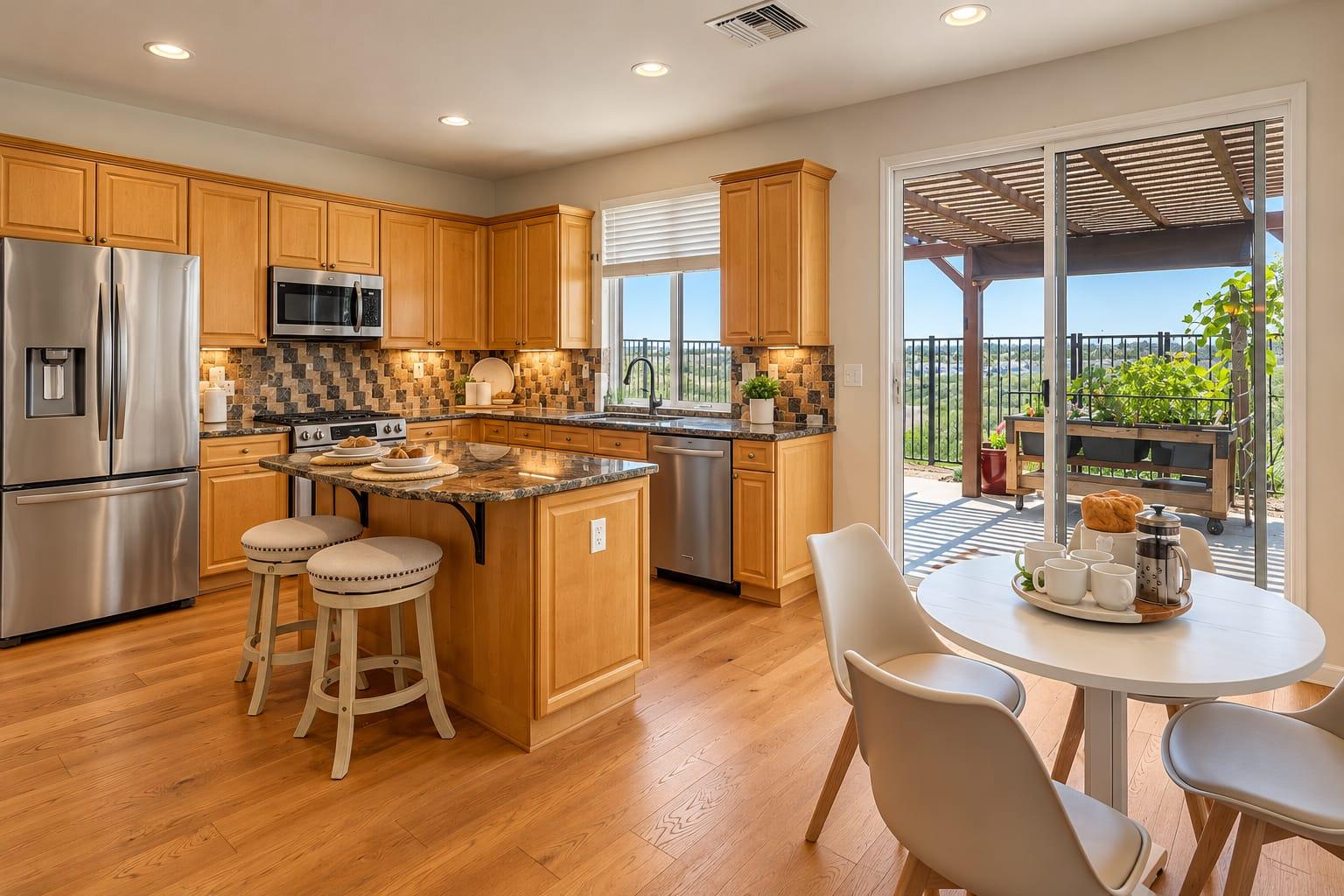
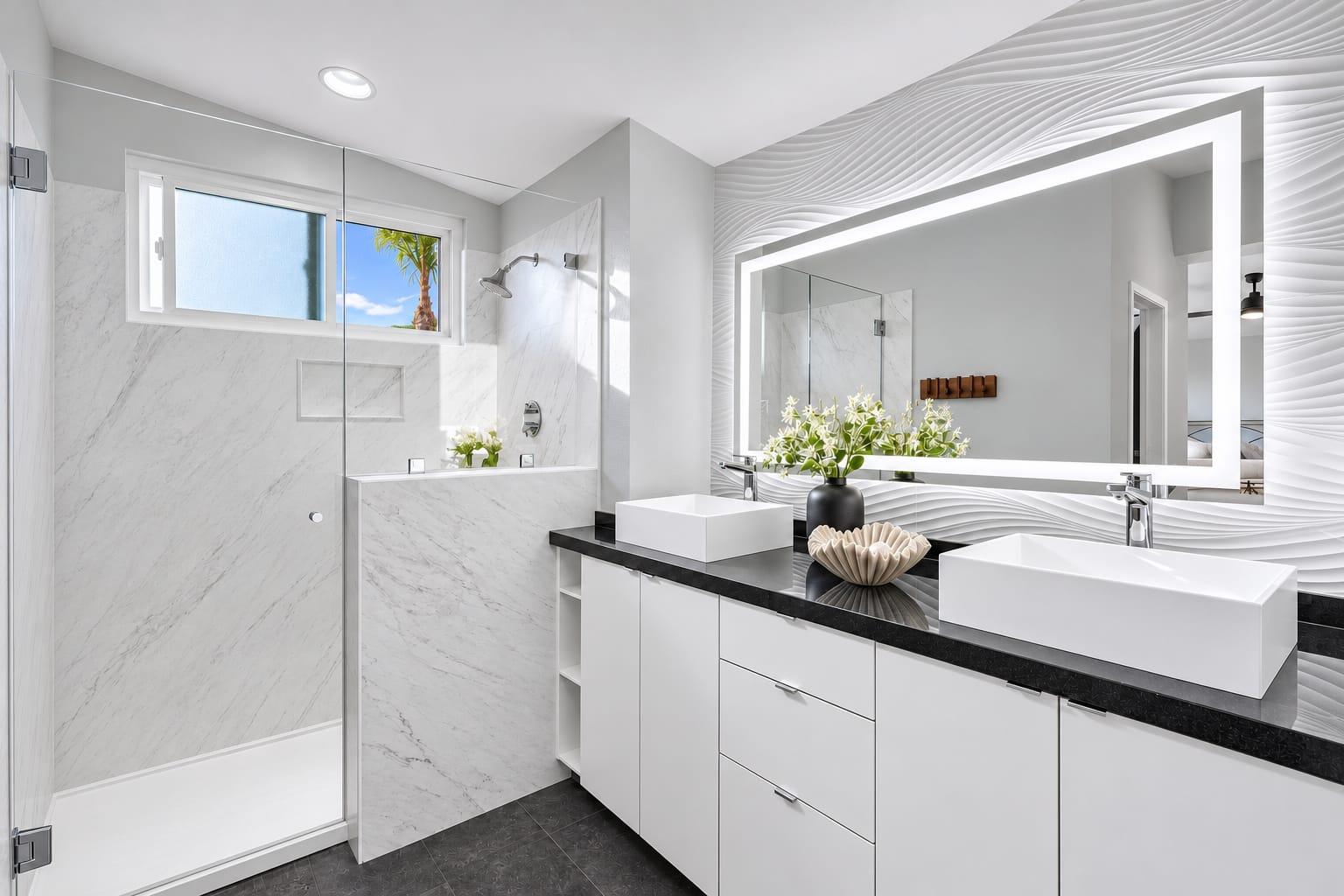
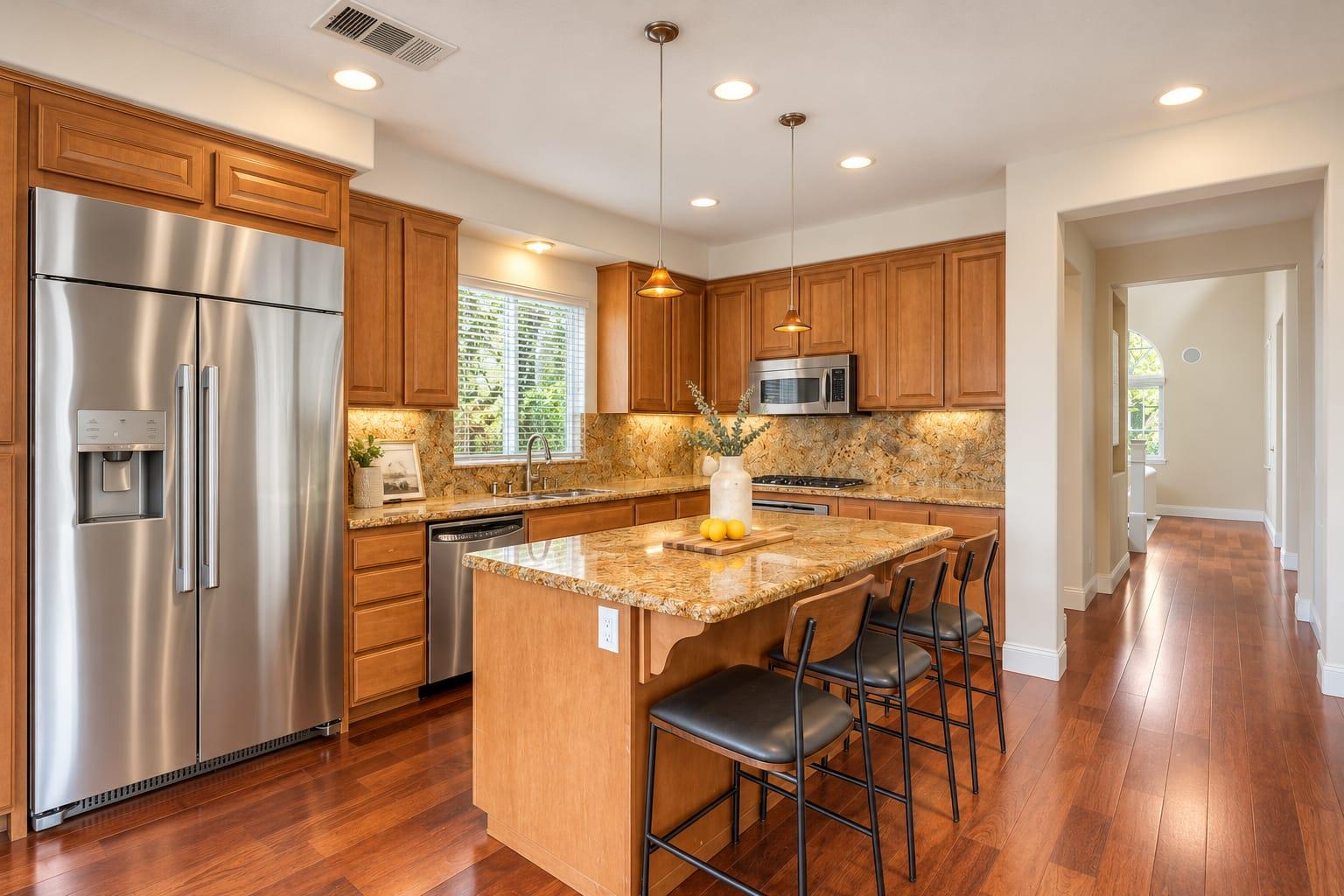
Finished projects. The heart of the profile: kitchens, bathrooms, ADUs, and additions.
Before-and-after pairs. The most convincing proof of what you do.
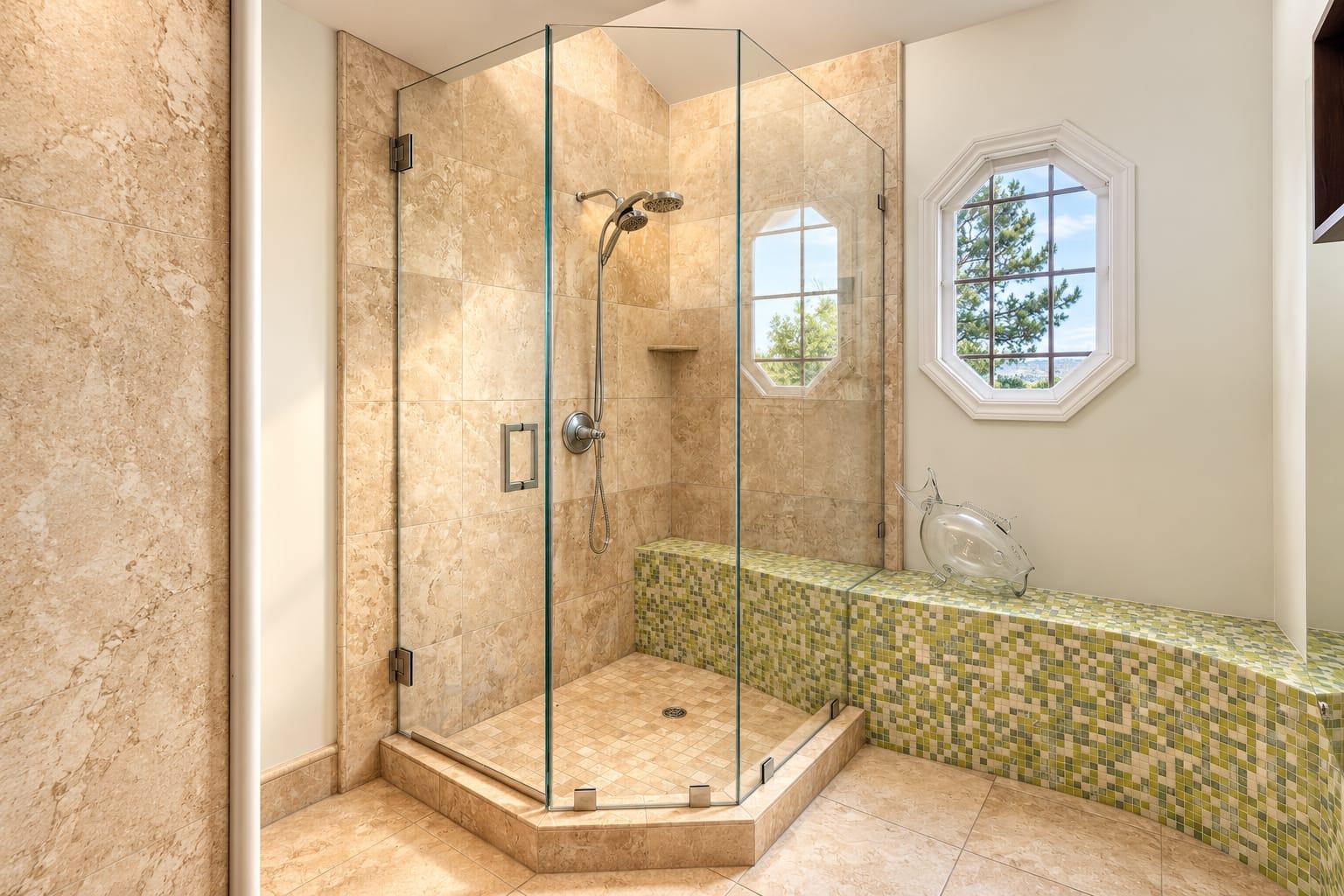
Details. Tile work, cabinetry, and finishes that show the quality.
Your team at work. Real people on real jobs build trust, with the homeowner's permission.
Your trucks and signage. So homeowners recognize you in their neighborhood.
A cover photo and logo that look current.
A finished bathroom photographed straight and bright, the kind of image that belongs on a contractor's profile.
What are the photo requirements for a Google Business Profile?
Google asks for JPG or PNG files, between 10 KB and 5 MB, with a recommended size of 720 by 720 pixels or larger. Photos should be in focus, well lit, and show reality, without heavy filters. Google can reject or remove photos that don't meet its guidelines, including stock photos and images that misrepresent the business. Check Google's current guidelines before a large upload, since they change.
Professional project photos easily meet the size requirements. Export them at a sensible web size rather than uploading full-resolution print files.
How often should contractors add new photos?
Monthly is a good rhythm. A steady stream of new projects shows the business is active, and each post is a chance to show work in a different San Diego neighborhood. A burst of fifty photos once a year does less than five new ones every month.
The easiest way to keep the rhythm is to photograph every finished project. Our remodeler marketing playbook shows how one project fills a month of profile posts and social media.
Contractors who keep their Google profile active usually add photos from each finished project as it's completed, plus a short post describing the work and the neighborhood. A steady cadence tends to work better than a large batch every few months.
How should you caption and post project photos?
Name the project and the area: "Primary bath remodel, Carlsbad." Homeowners look for work near them.
Use a project update post for each new job, with three to five photos.
Link the post to the matching case-study page on your website.
Keep the homeowner's address and personal details out.
Reply to reviews that mention the project, and thank the client.
How can photos show your San Diego service area?
Homeowners prefer contractors who have worked near them. Spread your project posts across the cities you serve, and name the city in each caption: a kitchen in Poway, a bathroom in Chula Vista, an ADU in Clairemont. Over a year, your profile becomes a map of real work across San Diego County, which is exactly what a homeowner in any one of those neighborhoods wants to see.
Keep the location to the city or neighborhood. Never post a street address or a photo that shows the house number.
How do photos and reviews work together?
Ask every happy client for a review after the project, and post the project photos the same week. When a homeowner reads "they transformed our 1980s bathroom" and sees that bathroom in your photos, the review and the photo prove each other. Reply to each review and thank the client by first name only.
What are common mistakes with contractor profile photos?
Stock photos, which look generic and can be removed by Google
Dark, crooked phone photos that undersell the work
Photos from a project outside your service area
Posting someone else's photos without a license
No new photos for months, so the profile looks inactive
Can you post photos a photographer took for someone else?
Only with a license. If a designer or a listing agent hired the photographer, the photos usually aren't licensed to you. Ask for permission, or hire your own shoot so the license is yours. Our guide on sharing photos with project partners explains how licensing between businesses works.
What does it cost to keep a profile stocked with project photos?
You can start with one project. A single finished project photographed professionally starts at $750 with us. To keep the profile updated every month without thinking about it, our content retainer, starting at $1,500/mo, includes a monthly shoot block, a new case-study page, and Google Business Profile photo updates and management. See remodeler photography.
For remodelers, profile posts that pair a before and after with one sentence about the project and the area tend to work well, because they show the transformation and tell local homeowners you work in their neighborhood.
Frequently asked questions
How many photos should a contractor's Google profile have?
Enough to show a range of recent projects, and new ones every month. Consistency matters more than a big one-time upload.
What size should Google Business Profile photos be?
Google asks for JPG or PNG files between 10 KB and 5 MB, with 720 by 720 pixels or larger recommended.
Can I use stock photos on my Google profile?
Avoid them. They look generic, and Google may remove images that don't represent your business.
Should I name the city in my photo posts?
Yes. Name the city or neighborhood, never the street address, so homeowners see you work near them.
Do photos help my Google ranking?
They are one part of an active, complete profile, and they strongly affect whether people who find you call.
Can you manage my Google Business Profile photos?
Yes. Our content retainer for remodelers, from $1,500/mo, includes Google Business Profile photo updates and management.
Planning a shoot
Tell us about the project and how you plan to use the images. We reply with a scoped quote.