Photo-to-Video Listing Videos in San Diego: Motion Without a Second Shoot
A photo-to-video turns your finished listing photos into a short motion video, with slow pans, transitions, captions, and music, so you get video for social media without a second shoot. It costs far less than a filmed walkthrough: published San Diego County video tours run about $250–$800, while our photo-to-video is $175 for a 30-second cut and $255 for 60 seconds. It's the fastest way to give a listing motion on Instagram, Facebook, and YouTube.
November 7, 20267 min read
By Tom Van Vechten · Updated
What is a photo-to-video listing video?
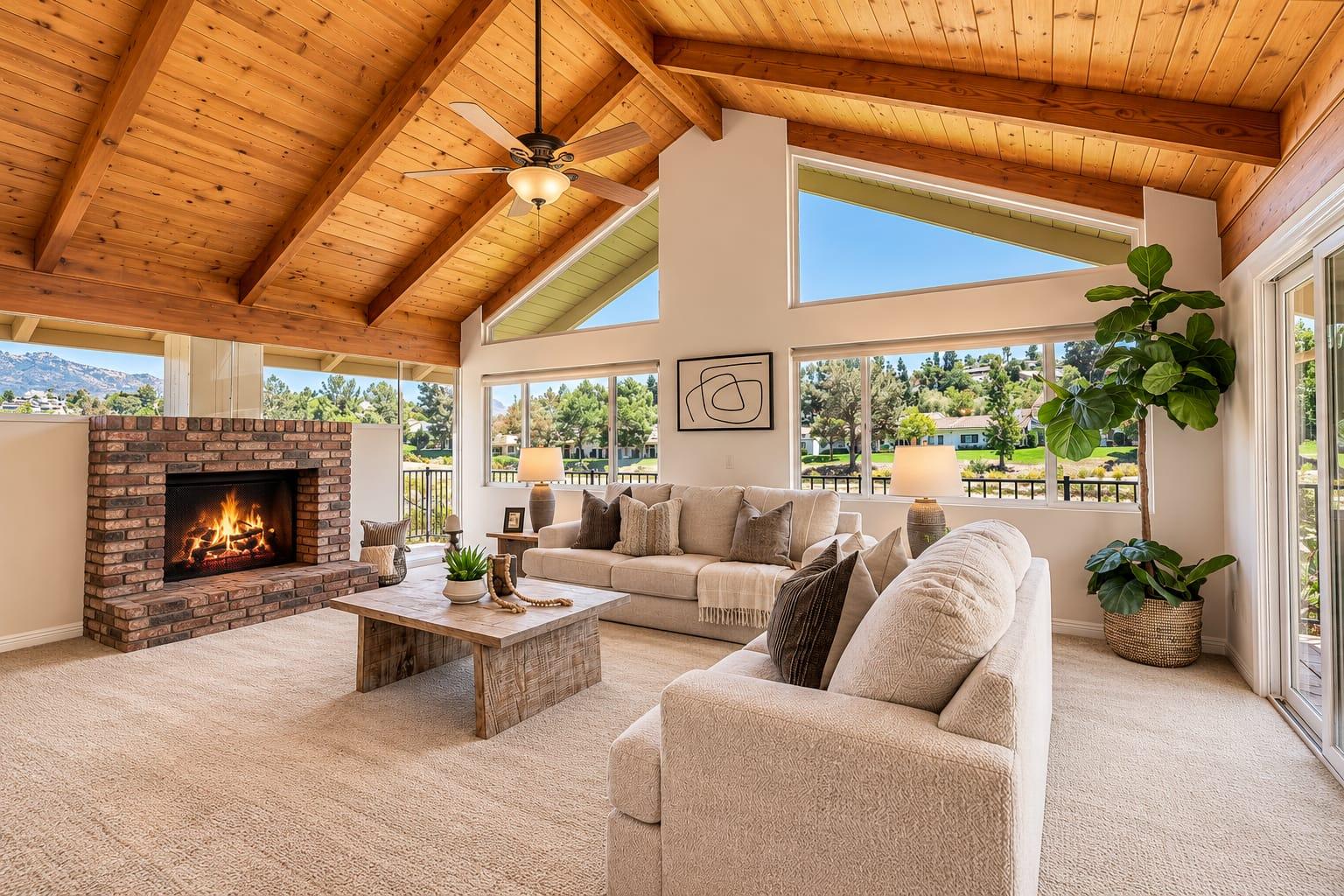
It's a video made from the still photos you already have. Each photo is animated with a slow push, pan, or reveal, the clips are cut together with transitions, and captions and music are added. The result looks like motion footage on a phone screen, but nothing new was filmed. Because it uses the finished photos, it matches the listing exactly and can be ready soon after the gallery is delivered.
Why do San Diego agents use photo-to-video?
Social platforms favor video. A moving post usually reaches more people than a static photo carousel.
No second shoot. It's made from the photos, so there's no extra visit to schedule with the seller.
It's fast. Ready soon after the photos, in time for a just-listed post.
It markets you too. Every listing video is also content for your own feed.
Photo-to-video clips often get more reach than a static photo post on social media, because motion holds attention in the feed and the platforms tend to favor video.
How does photo-to-video compare with a filmed video tour?
Filmed tour range from published San Diego County rates, checked November 2026.
Photo-to-video
Filmed video tour
How it's made
From the listing photos
Filmed walkthrough on site
Extra shoot time
None
Usually an hour or more
San Diego price
$175 (30 sec) · $255 (60 sec) with us
About $250–$800 published
Best for
Social posts and quick launch content
Luxury listings and long-form tours
For most listings, photo-to-video covers social media well. A luxury listing with a strong lifestyle story may still deserve filmed or aerial video. Our aerial listing video guide covers that option.
Should you choose a 30-second or 60-second video?
Thirty seconds suits Instagram and Facebook Reels, where viewers scroll quickly: lead with the cover image, show five or six hero rooms, and end on the exterior or the view. Sixty seconds suits a fuller tour for YouTube, your website, or an email to buyers, with room for the kitchen, every bedroom, and the backyard. Many agents order the 60-second cut and trim it for social themselves.
Where should agents post the video?
Instagram and Facebook Reels, as a just-listed post
YouTube, with the address and neighborhood in the title
Your website's listing page
The MLS, where a video or virtual tour link is allowed
Start with strong photos. The video can only be as good as the gallery.
Lead with the single best image in the first two seconds.
Keep captions short: the neighborhood, beds and baths, and one standout feature.
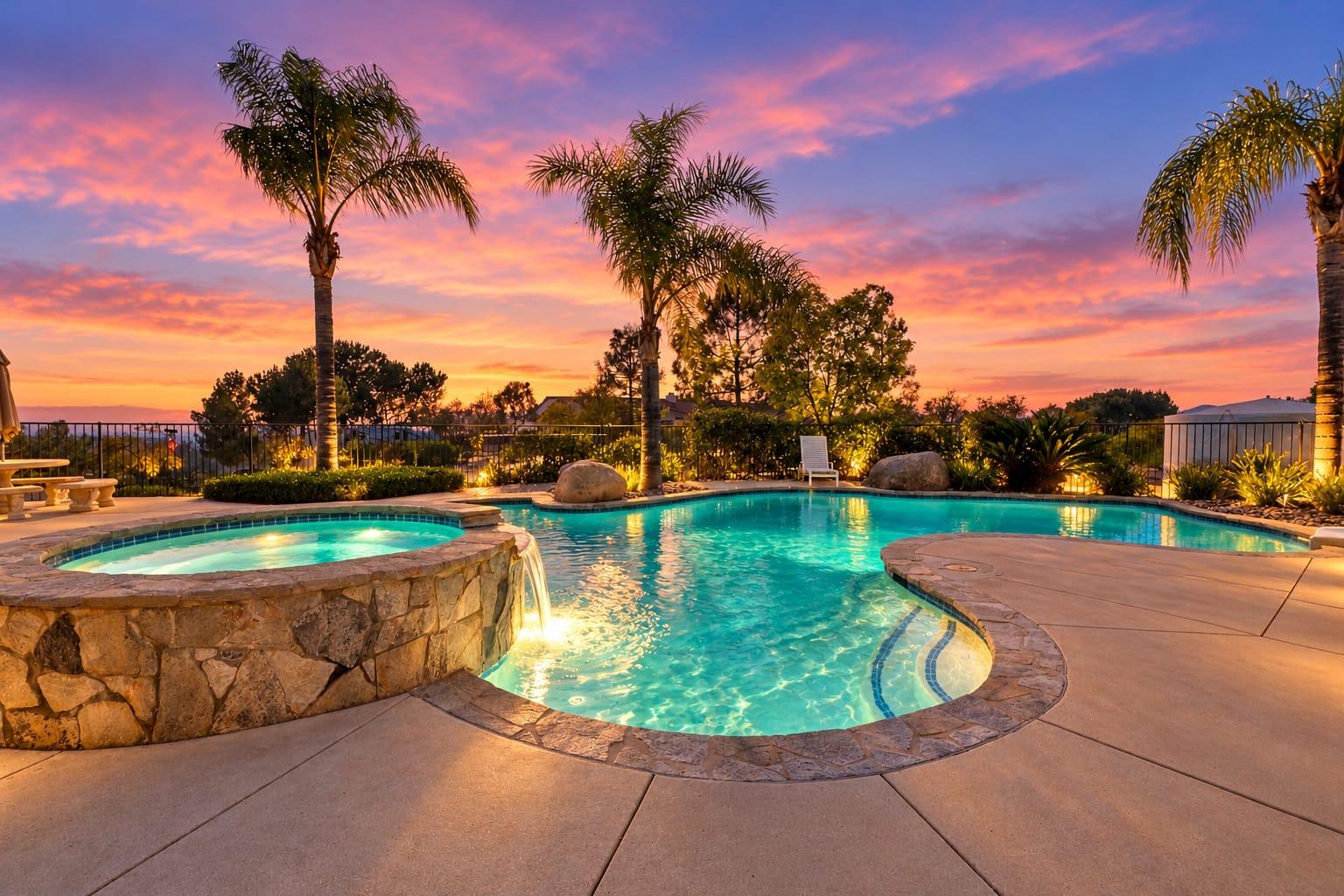
Add a twilight or aerial frame for a strong ending.
Post it within a day of the listing going live.
The photo order that works best in a photo-to-video clip usually opens with the strongest exterior or a twilight frame, moves through the main living spaces and kitchen, and ends with the view or outdoor space.
When is the video ready?
Because it's built from the finished photos, a photo-to-video comes after the gallery, not alongside it. Plan for it in the launch: post the photo carousel or the listing link on day one, then the video a day or two later, which gives you two chances to reach your audience instead of one. If you want the video ready on launch day, order it with the shoot and schedule the listing to go live once both are delivered. Either way, choose your photo order and captions before it's made, so the video matches the listing.
Can photo-to-video be used beyond the listing?
Yes. The same approach works for a just-sold post, an open house announcement, a coming-soon teaser, or a neighborhood spotlight built from amenity photos. Agents who post a short video for every listing build a feed that markets them to future sellers, which is often worth more than the views on any single listing. Keep a consistent style, such as the same caption font and music mood, so your videos are recognizable.
What are common photo-to-video mistakes?
Too many photos crammed into 30 seconds, so nothing registers
Leading with a bathroom or a hallway instead of the best image
Long captions that viewers can't read before the clip moves on
Music that doesn't fit the home, or that isn't licensed
Posting days after the listing went live, when interest has already peaked
Short, clear captions tend to work best on listing videos: the neighborhood, one or two key features, and the price or a call to action.
What should a listing video avoid?
The same things the photos should avoid: anything that changes what a buyer will see. If the photos include virtual staging or a virtual twilight, the video should carry the same disclosure. California's AB 723 requires agents to disclose digitally altered listing images, and carrying the same label into the video is the safe course. Keep music licensed for commercial use, which a professional service handles for you.
Is photo-to-video worth it on a lower-priced listing?
Often more than on a luxury one, because it gives an ordinary listing the motion that helps it get noticed on social media without the cost of a filmed tour. For condos and starter homes across San Diego County, a 30-second cut posted the day the listing goes live is one of the least expensive ways to extend its reach.
Frequently asked questions
What is a photo-to-video listing video?
A short motion video built from your listing photos, with pans, transitions, captions, and music, and no extra shoot.
How much does a photo-to-video cost in San Diego?
With us, $175 for 30 seconds and $255 for 60 seconds. Published San Diego filmed video tours run about $250–$800.
Do I need a second shoot for a listing video?
Not for photo-to-video. It is made from the photos you already have.
Which length is best for Instagram?
Thirty seconds usually works best for Reels. Use 60 seconds for YouTube and your website.
Can photo-to-video be used for just-sold posts?
Yes. The same format works for just-sold, open house, and coming-soon posts.
Can the video include drone footage?
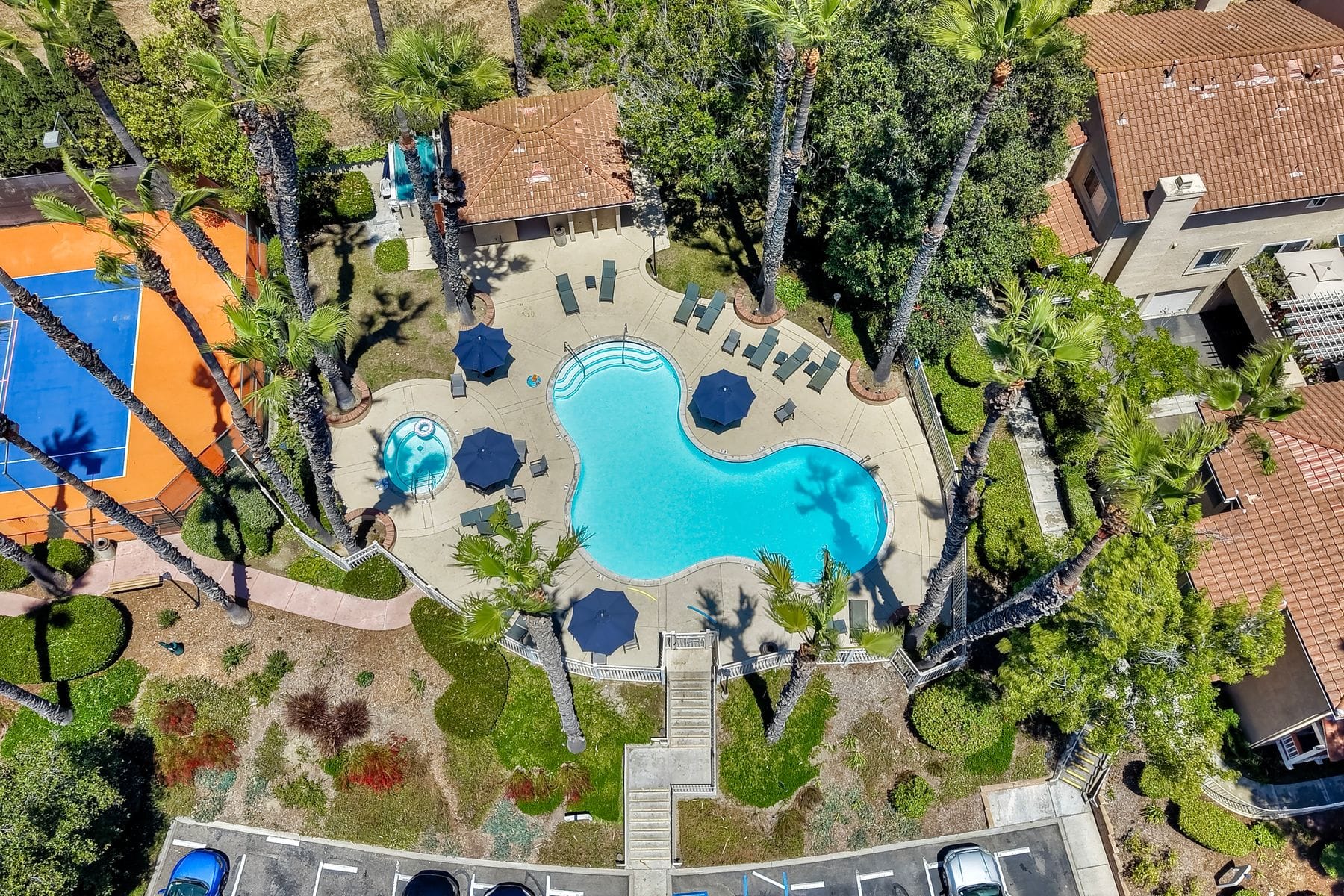
It can include your aerial photos. For moving aerial footage, add aerial video to the shoot.
Ready when your listing is
Book your shoot online in a few minutes. Photos are delivered the next day.